
Why a Hard Drive Is Not a Backup
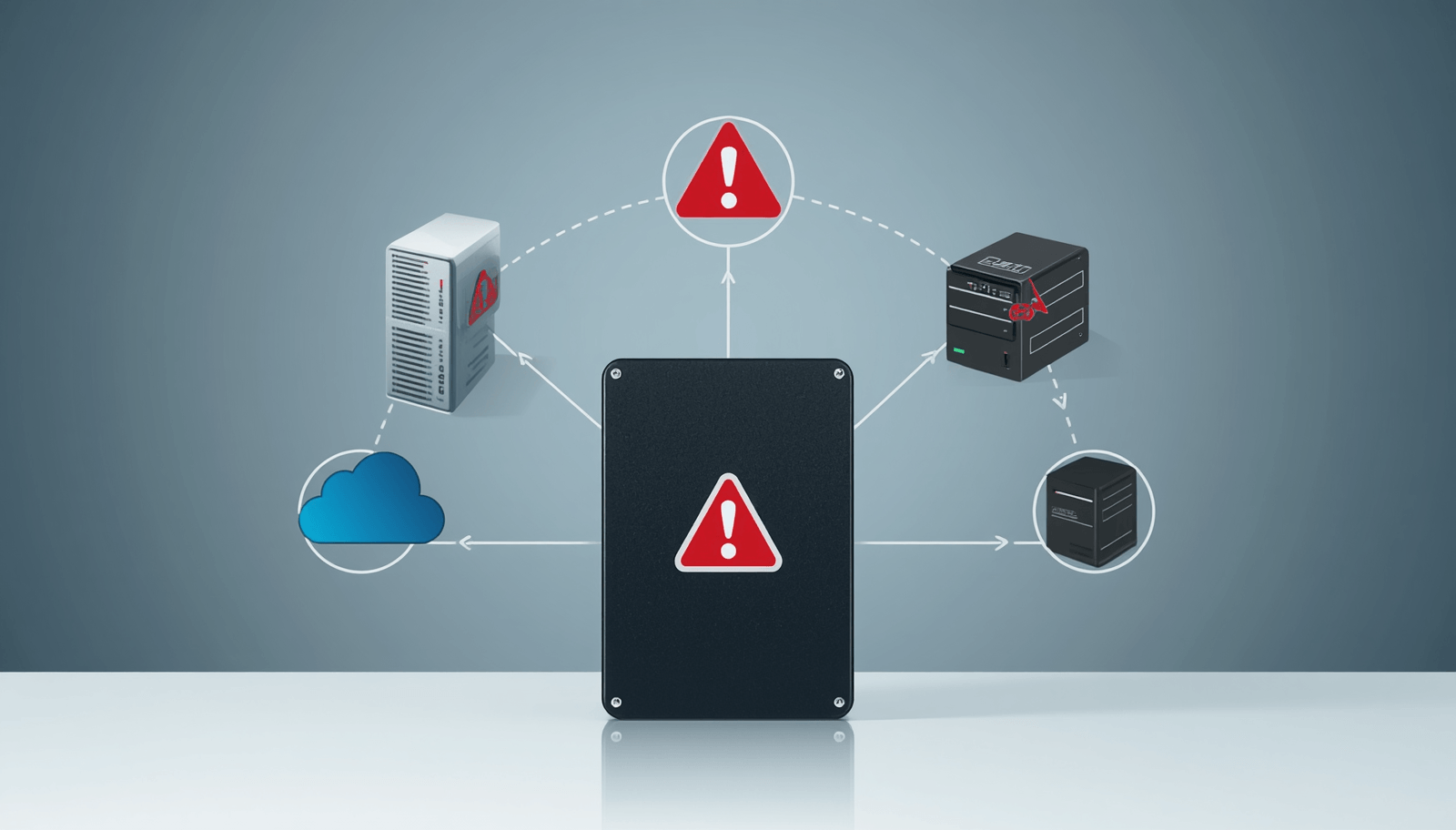
Many people believe that storing files on a hard drive means their data is safely backed up. Unfortunately, this is one of the most common misconceptions about data protection. Whether it’s a personal collection of photos and videos or critical business documents, relying on a single hard drive is not a backup strategy—it is simply storage.
Understanding the difference between storage and backup is essential to protecting valuable data from loss.
Storage vs. Backup
A hard drive’s primary purpose is to store data so it can be accessed and used. A backup, on the other hand, is an additional copy of that data stored separately and available for recovery if the original is lost, damaged, or corrupted.
If your files exist on only one hard drive, you have no backup. If that drive fails, your data may be lost permanently.
Hard Drives Can Fail Without Warning
Hard drives are mechanical devices with moving parts that wear out over time. Even modern solid-state drives (SSDs), which have no moving components, can fail unexpectedly.
Common causes of hard drive failure include:
- Mechanical wear and tear
- Power surges and electrical damage
- Manufacturing defects
- Overheating
- Physical shock or accidental drops
- Firmware corruption
- Age-related degradation
In many cases, users receive little or no warning before a drive becomes unreadable.
A Hard Drive Does Not Protect Against Human Error
One of the leading causes of data loss is accidental deletion.
Examples include:
- Deleting important files by mistake
- Formatting the wrong drive
- Overwriting documents
- Incorrect software operations
When files are accidentally deleted from the only copy stored on a hard drive, recovery may be difficult or impossible. A backup allows data to be restored quickly without relying on costly recovery services.
Malware and Ransomware Can Affect Stored Data
Cybercriminals increasingly target both individuals and businesses through ransomware attacks. These attacks encrypt files and demand payment for their release.
If all data resides on a single hard drive, ransomware can lock or destroy access to critical information. A separate backup stored offline or in a secure location provides a reliable recovery path without paying attackers.
Natural Disasters Can Destroy Physical Storage
Floods, fires, earthquakes, theft, and other disasters can destroy both computers and attached hard drives.
Many organizations discover too late that their only copy of important information was located in the same physical location as the disaster.
A proper backup strategy includes copies stored offsite or in the cloud, ensuring data remains available even if local equipment is lost.
Hard Drive Corruption Happens
Data corruption can occur because of:
- File system errors
- Sudden power interruptions
- Software bugs
- Virus infections
- Faulty hardware
Corruption may render files unusable even when the hard drive itself appears functional. Backups preserve earlier, uncorrupted versions that can be restored when needed.
External Hard Drives Are Not Necessarily Backups
Many people purchase an external hard drive and assume they now have a backup system. However, simply copying files once and never updating them creates an outdated backup that may not contain recent changes.
Additionally, if the external drive remains permanently connected to the computer, it may also be affected by ransomware, malware, electrical surges, or accidental deletion.
A true backup solution should be:
- Regularly updated
- Monitored for success
- Stored separately from the primary data
- Tested for recovery
The 3-2-1 Backup Rule
A widely recommended approach is the 3-2-1 Backup Rule:
- Keep 3 copies of your data.
- Store them on 2 different types of media.
- Keep 1 copy offsite or in the cloud.
For example:
- Original files on your computer.
- Backup on an external hard drive or NAS device.
- Cloud backup stored in a secure data center.
This strategy significantly reduces the risk of permanent data loss.
Businesses Face Greater Risks
For businesses, data loss can have serious consequences:
- Operational downtime
- Lost productivity
- Financial losses
- Regulatory compliance issues
- Damage to reputation
- Loss of customer trust
A failed hard drive can halt business operations if no backup exists. Proper backup systems help ensure business continuity and rapid recovery.
Conclusion
A hard drive is a storage device—not a backup solution. While hard drives are essential for storing data, they can fail, become corrupted, be stolen, or be destroyed. Relying on a single hard drive places valuable information at constant risk.
True data protection requires multiple copies of data stored in separate locations and regularly updated. Whether you are safeguarding family photos or critical business records, implementing a proper backup strategy is the best defense against permanent data loss.
Remember: if your data exists in only one place, it is not backed up.